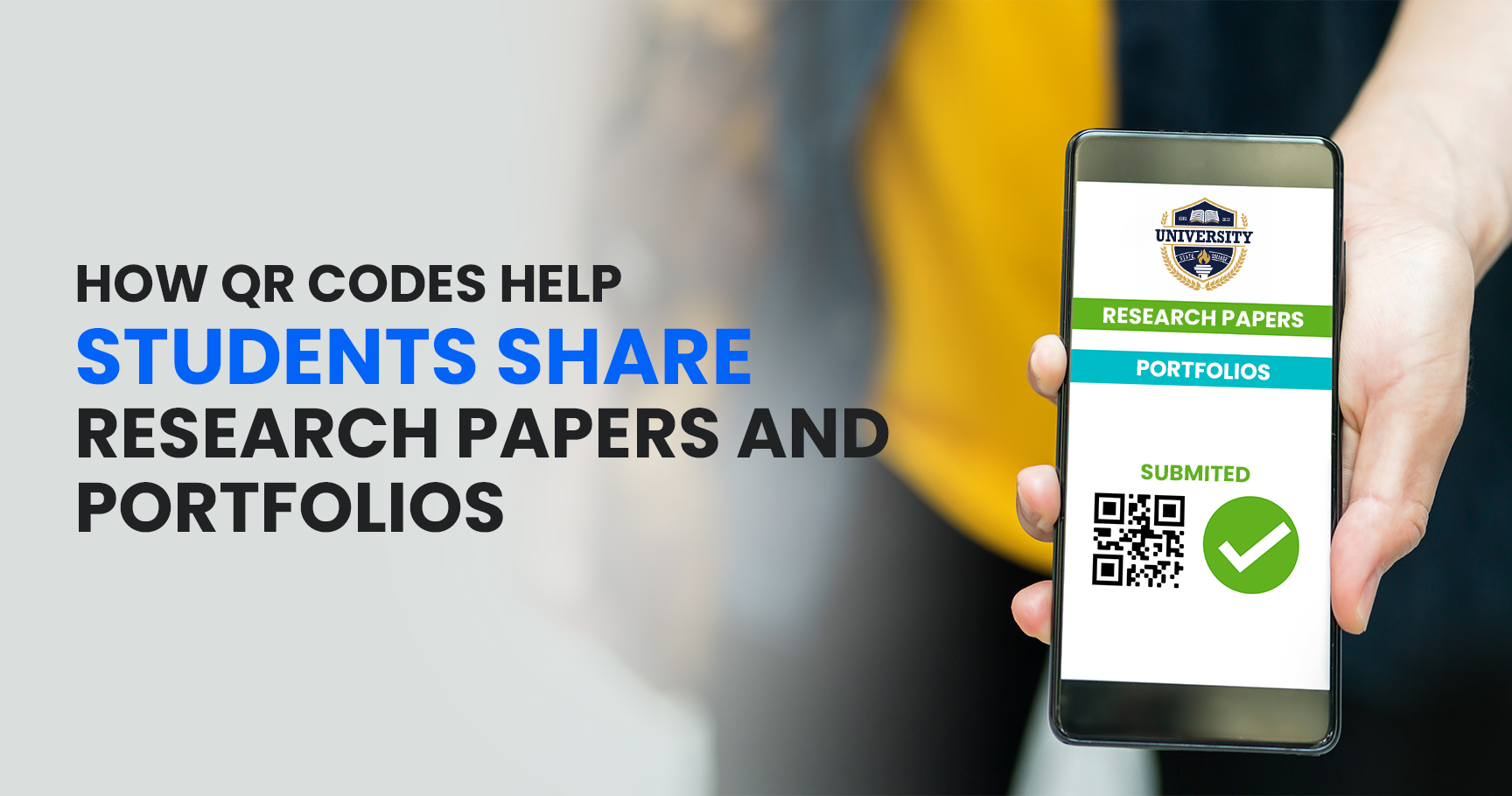
In today’s digital learning environment, students are constantly looking for smarter and more efficient ways to share their academic work. Whether it is a research paper, thesis, project report, or personal portfolio, traditional methods such as printed copies and lengthy URLs can be inconvenient.
QR codes offer a simple solution. With a quick scan, professors, classmates, recruiters, or conference attendees can instantly access digital documents, presentations, websites, and portfolios. As educational institutions continue to embrace technology, QR codes are becoming an essential tool for students who want to present and share their work professionally.
In this article, we’ll explore how QR codes help students share research papers and portfolios more effectively and why they are becoming increasingly popular in academic settings.
What Is a QR Code?
A QR (Quick Response) code is a two-dimensional barcode that stores information such as URLs, PDFs, documents, videos, and contact details.
When someone scans the QR code using a smartphone camera, they are instantly directed to the linked content. This eliminates the need to type long web addresses or search for files manually.
Students can generate QR codes for research papers, digital portfolios, presentations, online resumes, and other academic materials.
Why Traditional Sharing Methods Have Limitations
Many students still rely on methods such as:
- Email attachments
- Printed reports
- USB drives
- Long Google Drive links
- Cloud storage links
While these methods work, they often create challenges.
For example:
- Links can be difficult to type correctly.
- Printed documents are costly and environmentally unfriendly.
- USB drives can be misplaced.
- Email attachments may exceed size limits.
- Files can become difficult to organize and access.
QR codes simplify the entire sharing process by providing instant access through a simple scan.
Sharing Research Papers with QR Codes
Research papers often contain valuable findings, data, and insights that students want to share with professors, peers, and academic communities.
A QR code can link directly to:
- PDF research papers
- Online publications
- Google Drive documents
- Research repositories
- Academic websites
Instead of distributing multiple copies, students can place a QR code on:
- Presentation slides
- Posters
- Assignment covers
- Conference materials
- Research displays
Anyone interested in the research can scan the code and access the full document immediately.
This creates a more professional and organized way to share academic work.
Making Academic Presentations More Interactive
Presentations are a common part of college and university life. However, audience members often want access to additional information after the presentation ends.
QR codes solve this problem by linking directly to:
- Full research papers
- Supporting documents
- Data sources
- Video demonstrations
- Presentation files
Students can display a QR code on the final slide, allowing attendees to scan and save the material instantly.
This improves engagement and helps presenters share more information without overcrowding their slides.
Using QR Codes for Digital Portfolios
A student portfolio showcases achievements, projects, skills, certifications, and academic accomplishments.
Creating a digital portfolio is becoming increasingly important, especially for students preparing for internships and job opportunities.
A QR code can link directly to:
- Portfolio websites
- Personal websites
- Online resumes
- LinkedIn profiles
- Design portfolios
- Coding projects
- Research collections
Instead of carrying printed portfolios, students can simply share a QR code that provides instant access to their work.
This creates a modern and professional impression.
Enhancing Research Posters
Research posters are widely used in universities, academic competitions, and conferences.
Due to limited space, posters cannot include every detail of a research project.
By adding a QR code to the poster, students can provide access to:
- Full research papers
- Extended datasets
- Supporting images
- Videos
- References
- Additional resources
This allows viewers to explore the project in greater depth without making the poster cluttered.
Simplifying Group Projects
Group assignments often involve multiple files, documents, and resources.
QR codes help teams organize and share project materials more efficiently.
A single QR code can provide access to:
- Project reports
- Shared folders
- Presentation slides
- Research findings
- Collaboration documents
Faculty members can quickly access all project-related information without searching through multiple emails or attachments.
Supporting Job Applications and Internships
Many employers now prefer digital applications and portfolios.
Students can include a QR code on:
- Resumes
- Business cards
- Cover letters
- Professional profiles
The QR code can direct recruiters to:
- Academic portfolios
- Research publications
- Project work
- Certifications
- Professional websites
This makes it easier for hiring managers to evaluate a candidate’s qualifications and achievements.
Improving Accessibility
One of the biggest advantages of QR codes is accessibility.
Anyone with a smartphone can access the linked content within seconds.
There is no need to:
- Install special software
- Type long URLs
- Download files manually
This convenience encourages more people to engage with academic content.
For students, it means their work reaches a wider audience with minimal effort.
Dynamic QR Codes Offer Additional Benefits
Dynamic QR codes provide flexibility beyond traditional static QR codes.
With dynamic QR codes, students can update the linked document without changing the QR code itself.
For example:
- A research paper can be revised.
- A portfolio can be updated with new projects.
- A resume can be refreshed with new skills.
The same QR code continues to work, even after the content changes.
This makes dynamic QR codes especially useful for long-term academic and professional use.
Best Practices for Students Using QR Codes
To get the best results, students should follow a few simple practices:
Use Reliable Cloud Storage
Store documents on trusted platforms such as Google Drive, OneDrive, or a personal website.
Test the QR Code
Always scan the QR code before sharing it to ensure it works properly.
Keep Documents Organized
Use clear file names and proper folder structures.
Include a Call-to-Action
Add text such as:
- Scan to Read Full Research Paper
- View My Portfolio
- Access Project Report
- Download Presentation
This encourages people to scan the code.
Use Dynamic QR Codes When Possible
Dynamic QR codes provide greater flexibility and allow future updates.
The Future of QR Codes in Education
As educational institutions continue their digital transformation, QR codes are becoming a standard tool for sharing information.
From research papers and academic portfolios to resumes and presentations, QR codes offer a faster, smarter, and more professional way to distribute content.
Students who adopt QR codes can improve accessibility, enhance collaboration, and create stronger academic and professional impressions.
Conclusion
QR codes have transformed the way students share research papers and portfolios. They eliminate the challenges of printed documents, lengthy URLs, and complex file-sharing processes.
By providing instant access to digital content, QR codes help students showcase their work more effectively while improving engagement and accessibility.
Whether you’re presenting research, applying for internships, building a portfolio, or sharing academic achievements, QR codes provide a simple yet powerful solution for modern education.
FAQs
1. How can students use QR codes for research papers?
Students can create QR codes that link directly to PDF research papers, online publications, or cloud storage documents, making them easy to share.
2. Can QR codes be added to resumes and portfolios?
Yes. Students can place QR codes on resumes, business cards, and portfolios to provide instant access to their work and achievements.
3. What is the benefit of using dynamic QR codes?
Dynamic QR codes allow students to update linked content without creating a new QR code, making them ideal for evolving portfolios and research projects.
4. Are QR codes useful for academic presentations?
Absolutely. QR codes can link to supporting documents, datasets, presentations, and videos, giving audiences access to additional information.
5. Do people need a special app to scan QR codes?
Most modern smartphones can scan QR codes directly using their built-in camera application.