Imagine running a busy café, collecting payment for a college event, sending an invoice to a client, or simply splitting a dinner bill with friends. Asking someone to type a UPI ID manually can add an unnecessary step to an otherwise quick transaction.
A QR code can make that process much simpler. With a quick scan, users can access the relevant payment details and complete the transaction through their preferred UPI app. For businesses and individuals alike, this creates a faster, more convenient way to accept digital payments.
The good news is that creating one does not require technical expertise. With the right approach, you can create a QR code for UPI payment and start using it across counters, invoices, posters, events, and everyday payment requests.
Turn Your UPI Details into a Scannable Payment Point
The first step is to identify the UPI ID or payment details you want to connect to the QR code. Accuracy matters because the QR code will direct users toward that payment destination.
Before generating the code, double-check the UPI ID. A small error can send a customer to the wrong destination or prevent the payment from being completed.
Once your details are ready, choose a QR platform that supports payment-related QR codes. The process is generally simple: enter the required payment information, generate the code, and prepare it for use.
For individuals, this can be useful for receiving payments from friends, customers, or clients. For businesses, it can serve as a convenient payment touchpoint across physical and digital locations.
Make Payments Easier at Physical Locations
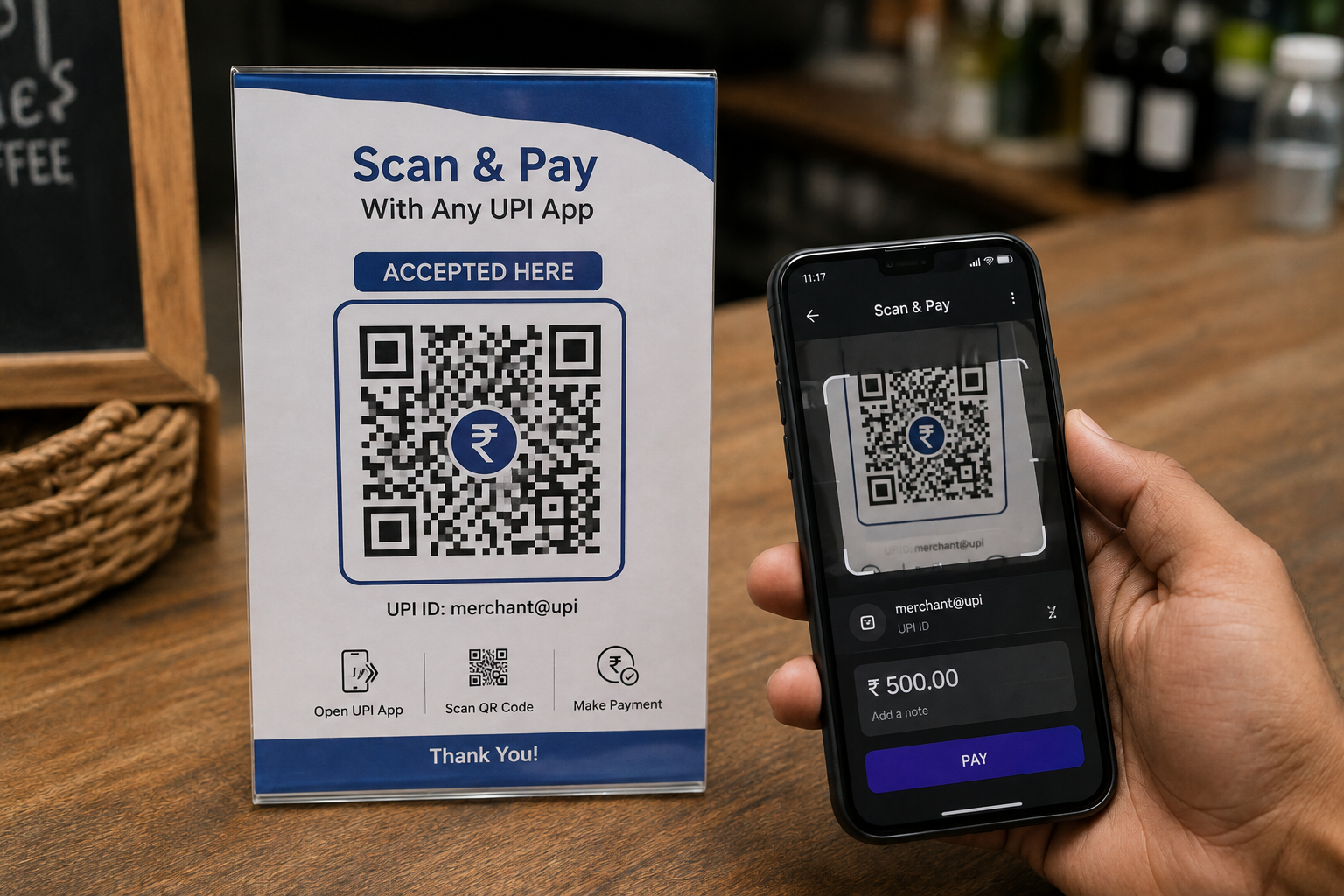
A payment QR becomes especially useful when customers are standing in front of you. Retail stores, cafés, salons, food stalls, workshops, service counters, and event desks can display a QR code in a place where customers can easily see and scan it.
Instead of searching for a UPI ID or asking staff for payment details, customers can scan, verify the displayed information, enter the amount where required, and complete the payment.
When you create a UPI QR code specifically for a physical location, consider its placement carefully. Keep it visible, well-sized, and away from visual clutter.
You can place it on:
- Checkout counters
- Table displays
- Invoices and receipts
- Event registration desks
- Posters and signboards
- Product packaging
- Business cards
The objective is simple: put the payment option exactly where the customer expects to pay.
Add a Payment QR to Invoices and Digital Requests
A UPI QR does not have to remain at a physical checkout counter. It can also be included in invoices, payment requests, and other business communications.
A freelancer can include a QR code on an invoice.
A tutor can add one to a payment reminder.
An independent consultant can place it alongside service details.
An event organizer can add it to a registration poster.
This approach reduces the need to share payment instructions repeatedly. Customers can simply scan the code from the document or printed material and proceed with the transaction.
For businesses handling both online and offline customers, this flexibility can make payment collection more convenient across different touchpoints.
Choose the Right QR Experience for Your Needs
A basic payment QR may be enough for an individual who occasionally receives payments. Businesses with frequent transactions, multiple campaigns, or several physical touchpoints may need greater flexibility.
Features such as customization, QR code management, dynamic destinations, and analytics can be useful as your QR code usage grows.
This is where platforms such as QRKY approach QR codes as more than simple payment patterns. A business can create visually engaging QR experiences that fit naturally into different customer touchpoints while keeping the scan experience straightforward.
The important thing is to choose a solution based on how and where your customers will use the QR, rather than simply choosing the first generator you find.
Where Can You Use a UPI Payment QR?
The versatility of QR-based payments makes them suitable for a wide range of situations.
Businesses: Display a QR at checkout counters, reception desks, service points, or on packaging.
Freelancers and professionals: Add one to invoices, proposals, or payment reminders.
Students: Use payment QR codes for legitimate college events, workshops, club activities, or group initiatives.
Event organizers: Place them at registration desks, merchandise counters, food stalls, or other payment points.
Individuals: Share a payment QR when collecting money or settling everyday expenses.
In each case, the principle remains the same: make the payment process easy to access without adding unnecessary steps.
Final Thoughts
Creating a QR Code for UPI Payment is a straightforward way to make digital transactions more convenient for both the payer and the recipient. From a small-business counter to a professional invoice or a college event, a well-placed QR code can turn payment details into an accessible digital touchpoint.
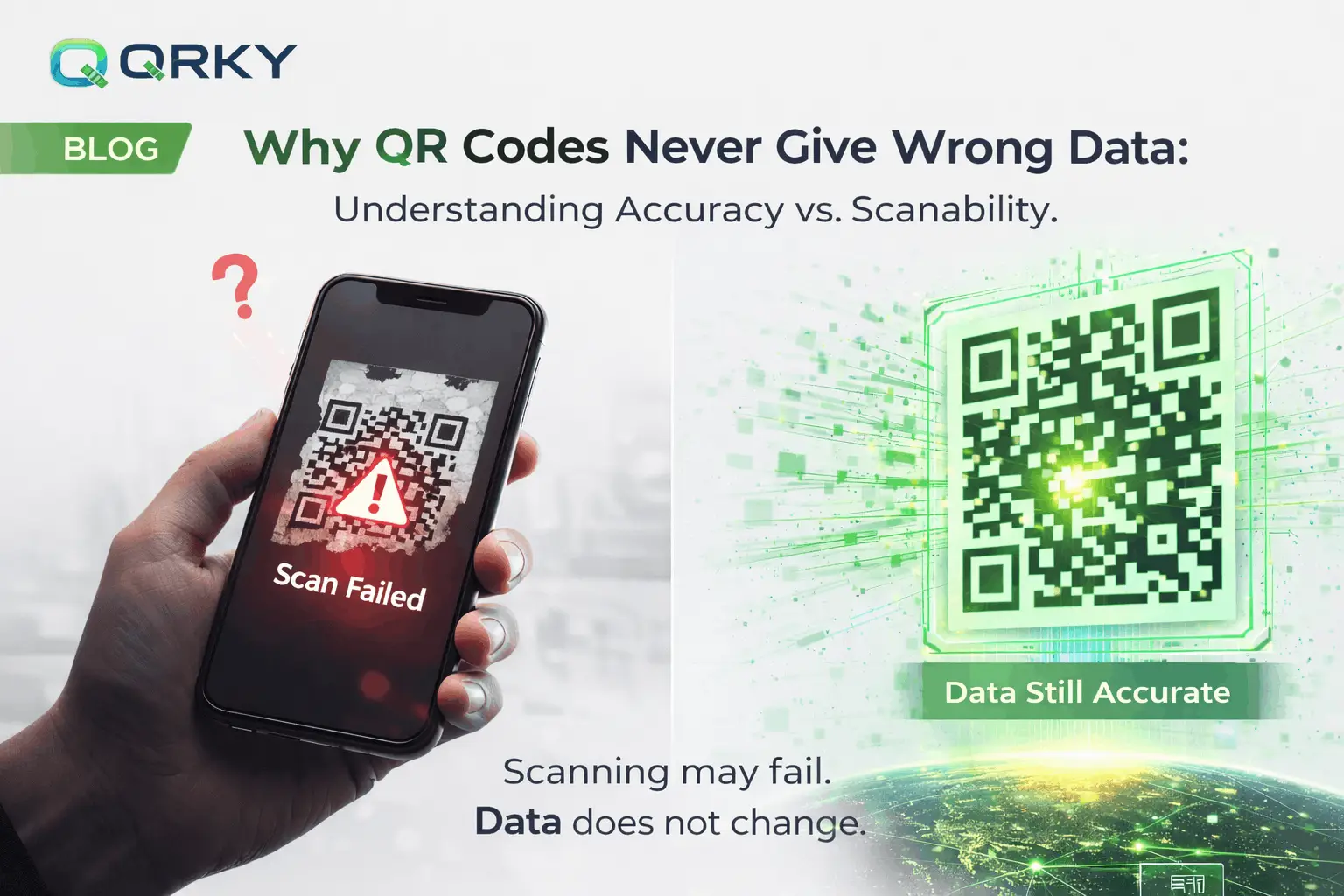
The best results come from getting the fundamentals right. Use accurate payment information, maintain good visibility and contrast, test the final QR thoroughly, and place it where customers naturally expect to find a payment option.
Ready to create a payment experience that feels simple, professional, and easy to access? Explore QRKY to create UPI QR Code experiences that fit your business, event, service, or personal payment needs. Create your QR today and turn every scan into a smoother payment journey.
FAQs:
1. Can I create a QR code for UPI payments with QRKY?
Yes. QRKY allows businesses and individuals to create QR experiences for payment-related use cases. You can use a QR code across counters, invoices, event materials, posters, and other customer touchpoints to make payment access quick and convenient.
2. How can businesses use QRKY for UPI payments?
Businesses can place QR codes at checkout counters, reception desks, event registrations, invoices, packaging, and other payment points. QRKY also allows businesses to create visually engaging QR experiences that can fit naturally into their existing branding and customer interactions.
3. Can I customize my UPI payment QR with QRKY?
Yes. QRKY focuses on creating visually engaging QR experiences rather than limiting businesses to basic QR designs. You can create a QR that fits naturally into branded materials while keeping the code clear, visible, and easy for customers to scan.
4. Where can I use a QRKY UPI payment QR code?
A QR payment experience can be used across physical and digital touchpoints, including stores, cafés, invoices, event registrations, posters, business cards, packaging, and service-related payment requests. The ideal placement depends on where your customers naturally expect to make a payment.
5. How can I make sure my QR payment code works properly?
Always test the final QR before sharing or printing it. Scan it using a compatible UPI app and verify that the correct payment details appear. If it will be printed, test the printed version to check how size, placement, lighting, and surrounding design affect scanning.