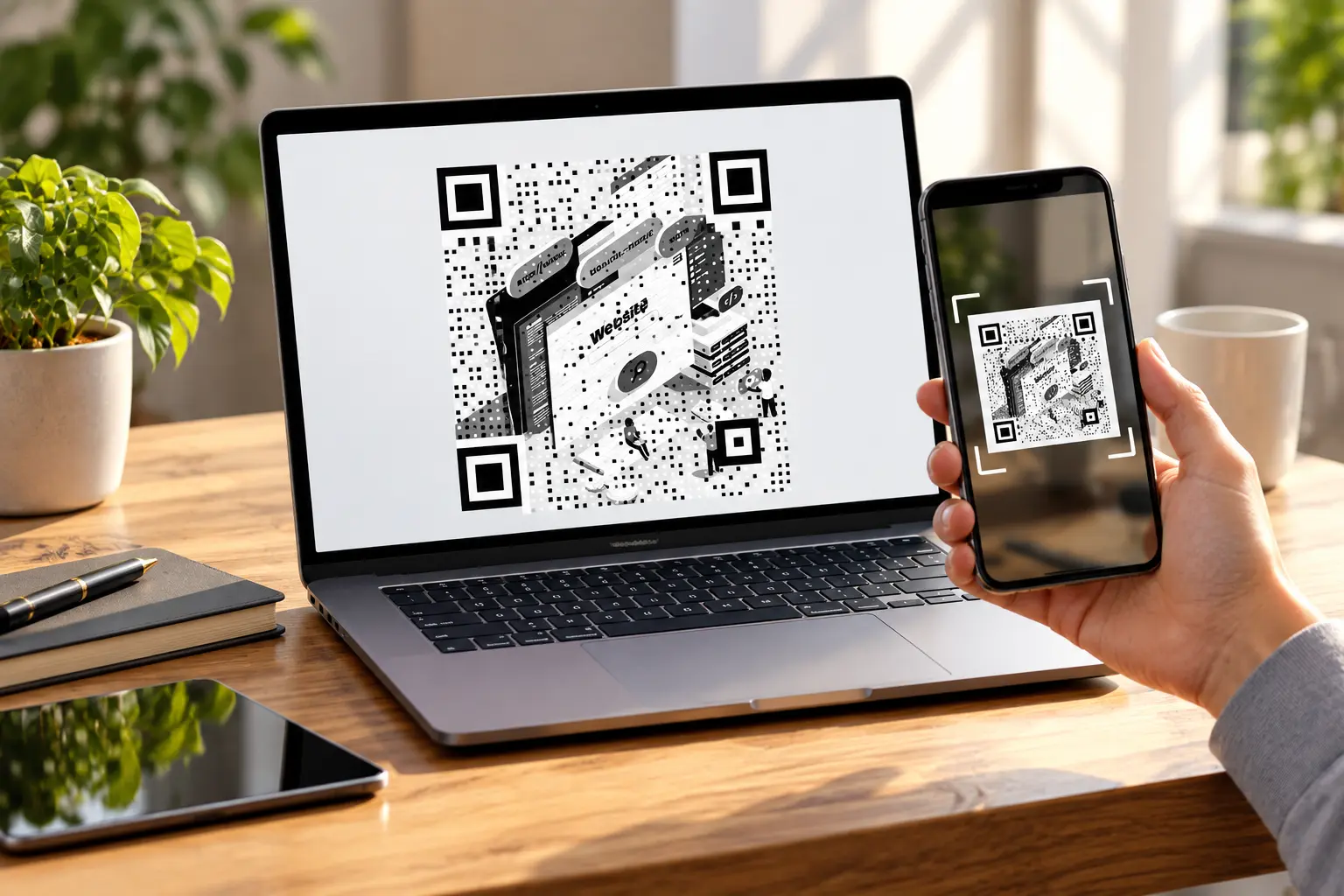
Web addresses are long, often accompanied by a trail of alphanumeric characters that point to a specific link. A QR code turns a long web address into something you can scan in a fraction of a second. Simply, point a phone camera at it, and the linked page opens without anyone typing a single character.
Business owners printing flyers, students sharing a portfolio link, and vendors running a weekend stall all use this shortcut. A dependable QR code generator for URL needs takes maybe two minutes to get right, start to finish.
This guide covers what a URL QR code does, why it beats handing someone a raw link, and the steps that you need to follow to create one. We will also list where most people go wrong so that you don’t make the same mistakes.
What Is a URL QR Code and Why Is It Preferred Over a Link?
A URL QR code is a small square pattern that stores a web address inside its pixels. When someone scans it with a phone camera, the linked page opens directly in a browser, with no typing and no chance of a spelling mistake.
Sharing a link on a poster or product label rarely works the way you’d hope, since nobody wants to have to type a forty-character URL. Having a QR code that directs to this link solves this problem instantly.
Here’s what a QR code adds that a printed link alone can’t manage on its own:
- Faster access: one scan replaces manual typing, especially on posters, packaging, and business cards
- Fewer errors: no mistyped characters or dropped slashes that lead to broken pages
- Works without a search: people don’t need to remember your domain name at all
- Easier tracking: dynamic codes can log scan counts if the generator supports it
- Cleaner design: a small code looks tidier on print materials than a long string of text
Where URL QR Codes Work Best
QR codes show up everywhere once you start noticing them, and each use case leans on the same basic trick: skipping the typing step entirely.
| Use case | Where it’s placed | What it links to |
| Restaurant menus | Table tents, receipts | Digital menu page |
| Event registration | Posters, invitations | Sign-up form |
| Portfolios | Resumes, business cards | Personal website |
| Product packaging | Boxes, labels | Instructions or reviews |
| Social profiles | Storefront windows | Instagram or LinkedIn page |
How to Create a QR Code for a URL or Link
Creating one takes only a handful of steps, whether you’re building a marketing flyer or finishing a college project.
Step 1: Copy the Exact Link
Grab the full URL, including “https://”, straight from your browser’s address bar. A missing prefix is one of the most common reasons a code fails to open properly.
Step 2: Pick a QR Code Generator for URL Needs
Choose a tool built for this specific job instead of a generic barcode maker. QRKY, for instance, lets you paste a link and generate a working code within seconds, no account required for basic use.
Step 3: Paste the Link and Generate
Drop the URL into the input field and click “Generate” (or a similar option). Most tools show a live preview, so you can confirm it looks right before downloading anything at all.
Step 4: Customize the Look (Optional)
Add brand colors, a logo, or even a photo background if the generator supports it. Just keep the contrast high enough that scanners can still read the underlying pattern clearly.
Step 5: Test Before You Publish
Scan the code with two or three different phones before printing hundreds of flyers. A code that scans fine on one device sometimes fails on another because of size or glare.
Step 6: Download and Share
Export in PNG for screens or SVG for large prints. SVG holds its sharpness far better on banners, storefront signage, or anything blown up beyond business-card size.
Static vs Dynamic URL QR Codes
Not every URL QR code behaves the same way once it’s printed. The table below breaks down the two types you’ll run into most often.
| Feature | Static QR code | Dynamic QR code |
| Link editing after printing | Not possible | Possible anytime |
| Scan tracking | Not available | Usually included |
| Best for | One-time use, fixed links | Campaigns, changing offers |
| Setup time | Instant | Slightly longer |
Design Tips to Keep Your QR Code Scannable
A code that looks great but doesn’t scan is worse than no code at all, so a few small habits go a long way here.
- Make sure that there is a clear white margin, sometimes called a quiet zone, around the entire code.
- Prefer keeping dark modules on a light background rather than reversing the colors.
- Avoid stretching the code unevenly when resizing it for different materials.
- Test on both an iPhone and an Android phone, since cameras behave differently.
- Print at a size that matches the scanning distance.
A well-designed QR code generator addresses all of these and more.
Common Mistakes to Avoid When Generating and Printing QR Codes
A surprising number of printed QR codes simply don’t work, and it usually comes down to a handful of avoidable slip-ups.
- Skipping the test scan before mass printing anything
- Making the code too small for the distance people will stand from it
- Using low-contrast colors, like light gray on white
- Forgetting “https://” when typing the destination link manually
- Placing the code near curves, folds, or glossy glare on packaging
Choosing the Right File Format for Your URL QR Code
PNG and SVG cover almost every situation, but picking the wrong one leads to blurry prints or bloated file sizes down the line. PNG works fine for screens, social posts, and small digital graphics where file size matters more than infinite scaling.
SVG, on the other hand, is vector-based, meaning it stays sharp no matter how large you blow it up, which matters for banners, storefront decals, or trade show backdrops. If you’re not sure which a project needs, SVG is the safer default for anything headed to print.
How Students and Small Businesses Use URL QR Codes Differently
Students tend to reach for QR codes for one-off, low-stakes tasks: a resume linking to a portfolio, a poster board linking to a video demo, or a project submission linking to a shared drive folder. Speed matters more than tracking here, so a free static code usually covers it.
Small businesses, by contrast, often need the same code to survive months of print runs, which pushes them toward dynamic options with scan tracking. A QR Code generator built for both audiences keeps the free static workflow simple while still offering dynamic upgrades for anyone who needs them later.
Wrapping Up: Making Every Link One Scan Away
A URL QR code removes the friction between someone seeing your content and actually visiting it. It costs nothing to create, works everywhere, and takes seconds to test properly. Whether it’s a flyer, a business card, or packaging, this small square does a lot of quiet work.
If you need a QR code that is ready in under a minute, QRKY’s free generator handles the whole process without asking for any design skills.
Frequently Asked Questions
Do QR codes expire after a certain time?
Static QR codes never expire since the link is built directly into the pattern itself. Dynamic codes can stop working if the hosting service shuts down or a subscription lapses, so check the generator’s terms before relying on one for a long-running campaign.
What’s the smallest size a QR code can be printed at?
Most codes scan reliably from about 2×2 cm, roughly 0.8 inches, when viewed up close. Larger sizes work better from a distance, so always match the printed size to how far away someone will realistically be standing.
Can I use the same QR code for multiple links?
A static code is locked to one link forever, with no way to redirect it later. A dynamic QR code lets you update the destination URL anytime without reprinting anything at all, which saves money on repeat print runs.
Do people need a special app to scan a QR code?
No, modern smartphones scan QR codes directly through the built-in camera app. Android and iPhone users simply open the camera, point it at the code, and tap the notification that pops up automatically.
Is it free to create a QR code for a URL?
Most basic QR code generators let you create and download static codes for free with no account needed. Advanced features like scan tracking or bulk generation sometimes require a paid plan instead.