Have you ever printed a thousand flyers, only to realize the link needs to change? That single problem is exactly why dynamic QR codes exist, and why they’ve become the default choice for anyone running an active campaign.
A static code is locked to one destination the second you generate it. Change the URL, and every flyer, sticker, or package label carrying that code stops working. A dynamic code gets around that: the black-and-white pattern printed on the material stays exactly the same, but what it points to can be swapped out any time, as often as needed, without touching a single thing already printed.
Doesn’t sound like much until you’ve eaten the cost of a reprint you didn’t need to make. This piece gets into what a dynamic QR code is, where the redirect happens, what it costs against a static one, and how to set one up without breaking codes already out in the world. By the end, you’ll have a decent sense of when static is fine and when it isn’t.
What Is a Dynamic QR Code and How Does It Work
A dynamic QR code doesn’t store your destination link directly inside the pattern. Instead, it points to a short redirect URL that you control, so you can change where that redirect sends people at any time, without reprinting a single flyer.
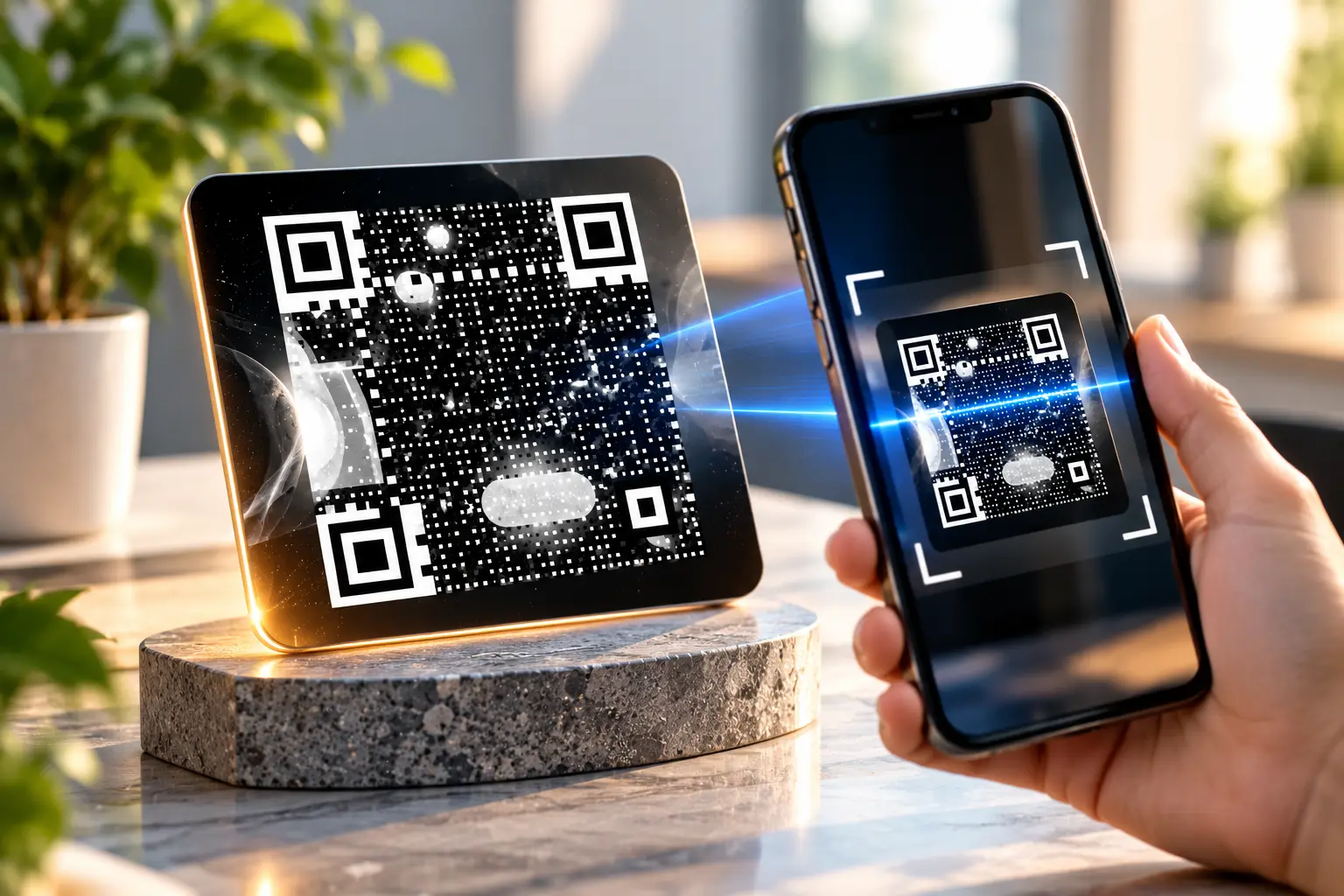
The scanning device reads the code, hits a redirect server, and gets forwarded to whatever URL is currently set for it. Update the destination in your dashboard, and every printed copy of that code follows along instantly.
Static vs Dynamic QR Codes: Key Differences
Choosing between the two comes down to one question: Will this link ever need to change after it’s printed? This sets the starting point for the comparison between static and dynamic QR Codes.
| Factor | Static QR code | Dynamic QR code |
| Editable after printing | No | Yes |
| Scan analytics | Not available | Usually included |
| Ideal lifespan | Short, one-time use | Long-running campaigns |
| Typical cost | Often free | May need a paid plan |
| File size of the code | Slightly denser data | Shorter, cleaner pattern |
Benefits of Using a Dynamic QR Code
A dynamic code earns its extra setup step by solving problems a static one simply can’t touch. Here’s what that flexibility offers in practice.
- Edit the link anytime: swap out a promo page without printing new materials.
- Track real performance: see scan counts, locations, and device types over time.
- Fix mistakes instantly: a typo in the destination URL is a two-minute fix.
- Run seasonal campaigns: point the same code at different offers throughout the year.
- Shorter, cleaner codes: redirect URLs are shorter, which can improve scan speed slightly.
Common Uses for Dynamic QR Codes
Dynamic codes tend to show up wherever a business expects the underlying offer, menu, or page to shift over time.
Retail and Packaging
Brands print dynamic codes on packaging that runs for months, then update the link behind it to point to new promotions, recipes, or product updates without reprinting boxes.
Event Marketing
Conference organizers place one dynamic code across all their signage, then redirect it from a pre-event landing page to a live schedule once the event starts.
Restaurant Menus
Table QR codes stay printed for years while the menu itself changes seasonally. A dynamic code means the destination page updates without touching a single physical table tent.
Real Estate Listings
Yard signs often carry a dynamic QR code that points to whichever listing is currently active on that property, useful when the same sign gets reused for future homes.
How to Create a Dynamic QR Code
Building one takes a few extra steps compared to a static code, but nothing that requires technical skill.
Step 1: Choose a Dynamic QR Code Generator
Pick a tool that explicitly supports redirect links and scan tracking, since not every free generator offers this. Some QR code generators have a dynamic option that lets you set and later edit the destination link.
Step 2: Set Your Initial Destination
Paste the link you want people to land on right now. This can always be changed later, so don’t worry about picking the perfect URL on day one.
Step 3: Style the Code
Add a logo, brand colors, or a photo overlay if your generator supports it. Keep contrast strong enough that the scanner can still separate the pattern from the background.
Step 4: Test the Redirect
Scan the finished code and confirm it lands on the correct page. Then try editing the destination link in your dashboard and scan again to confirm the update took effect.
Step 5: Deploy and Monitor
Print or publish the code, then check your dashboard periodically for scan counts. This data tells you whether the placement is working or needs to move.
Industries That Lean Heavily on Dynamic QR Codes
A handful of industries print materials that have to outlast the systems those materials point to. This is where dynamic codes come in handy.
Logistics and shipping
Packaging labels get printed months, sometimes years, before the last unit ships. A dynamic code means the label can point at whatever tracking system happens to be live, even after the backend’s been swapped out twice since the label was printed. Nobody’s reprinting a warehouse full of boxes because IT migrated to a new platform.
Healthcare
Patient handouts and appointment cards sit in wallets and folders for a long time. Hospital scheduling systems get restructured more often than most people realize, and when that happens, the printed card just gets repointed to the new portal. The paper in someone’s hand keeps working without anyone reprinting anything.
Education
A course packet printed in August has to survive a full semester, and often gets reused across cohorts after that. A dynamic code lets a department swap the destination each term, switching between new readings and portal, while the physical handout stays exactly as it was printed.
When a Static QR Code Is Still the Better Choice
Dynamic isn’t automatically better for every situation, so it’s worth knowing when the simpler option wins out instead.
- The link will genuinely never change, like a permanent Wi-Fi password code
- You don’t need scan tracking or performance data of any kind
- The QR code is for personal, one-time use rather than a business campaign
- Budget matters more than flexibility for this specific project
How Scan Analytics Help You Improve a Campaign
Once a dynamic code is out in the world, it starts feeding back data most people never think to ask for.
Spotting time-based patterns
Take a restaurant running a QR menu. If scans are almost all clustered around noon and dinner barely registers, that’s a reason to make the lunch menu the default landing page instead of forcing evening diners to click past specials nobody’s ordering.
Catching placement problems
A retail chain checking store performance might see one location’s code get almost no scans while three others do fine. This is rarely a design flaw, and more likely it means the sign is in a spot nobody looks at, or nothing’s drawing attention to it. Scan counts by location catch that kind of problem long before a store manager would spot it walking the floor.
Device and geography data
Most dynamic generators also break scans down by device type and rough location. This is useful for deciding whether a landing page needs a mobile-first redesign, or whether a campaign running in three cities is landing the same way in all three.
Choosing Between a Free and Paid Dynamic QR Code Plan
Free plans typically cover basic redirect functionality and a handful of active codes, which is plenty for a single campaign or small business. Paid plans usually unlock bulk code generation, longer data retention on analytics, custom short domains, and priority support.
Before upgrading, do run one campaign on a free tier first and see whether the tracking data changes your decisions or the output. If it does, the paid features tend to pay for themselves through better-targeted placement and messaging.
Wrapping Up: Flexibility That Pays for Itself
A dynamic QR code costs a little more setup time upfront but saves real money the moment a link needs to change. Scan tracking alone justifies it for most business campaigns running longer than a few weeks.
If you’re weighing static against dynamic for an upcoming project, QRKY’s generator lets you build and test both formats before committing to one.
Frequently Asked Questions
Does a dynamic QR code cost money to maintain?
Many generators offer free dynamic codes with basic tracking, while advanced analytics or bulk creation often sit behind a paid plan. Check the specific generator’s pricing page before assuming ongoing costs apply to your project.
Will a dynamic QR code stop working if I don’t pay a subscription?
It can, since the code depends on the provider’s redirect server staying active. Always confirm what happens to existing printed codes if you downgrade or cancel a paid plan before relying on one for the long term.
Can I convert a static QR code into a dynamic one later?
Not directly, since the destination is baked permanently into a static code’s pattern. You’d need to generate an entirely new dynamic code instead, then replace the old one wherever it was printed or posted online.
How much data can a dynamic QR code hold compared to static?
Both hold similar amounts of raw data, but dynamic codes typically encode a short redirect URL instead of a full link. This often produces a slightly less dense, easier-to-scan pattern for the camera to read.
Do dynamic QR codes work the same way across all scanning apps?
Yes, scanning apps can’t tell the difference between static and dynamic codes just by looking. The redirect happens on the server side, so any standard camera app or QR scanner app reads it the same way.