
The student life of today is fast-paced, digital, and sometimes stressful. Between assignments, lectures, group projects, and exams, the process of managing studying material and sharing information could quickly get messy.
Links are lost within WhatsApp groups. Files are scattered across various platforms. Important notes are lost when you require them the most.
This is the point where the QR code designed for children is an easy yet powerful solution.
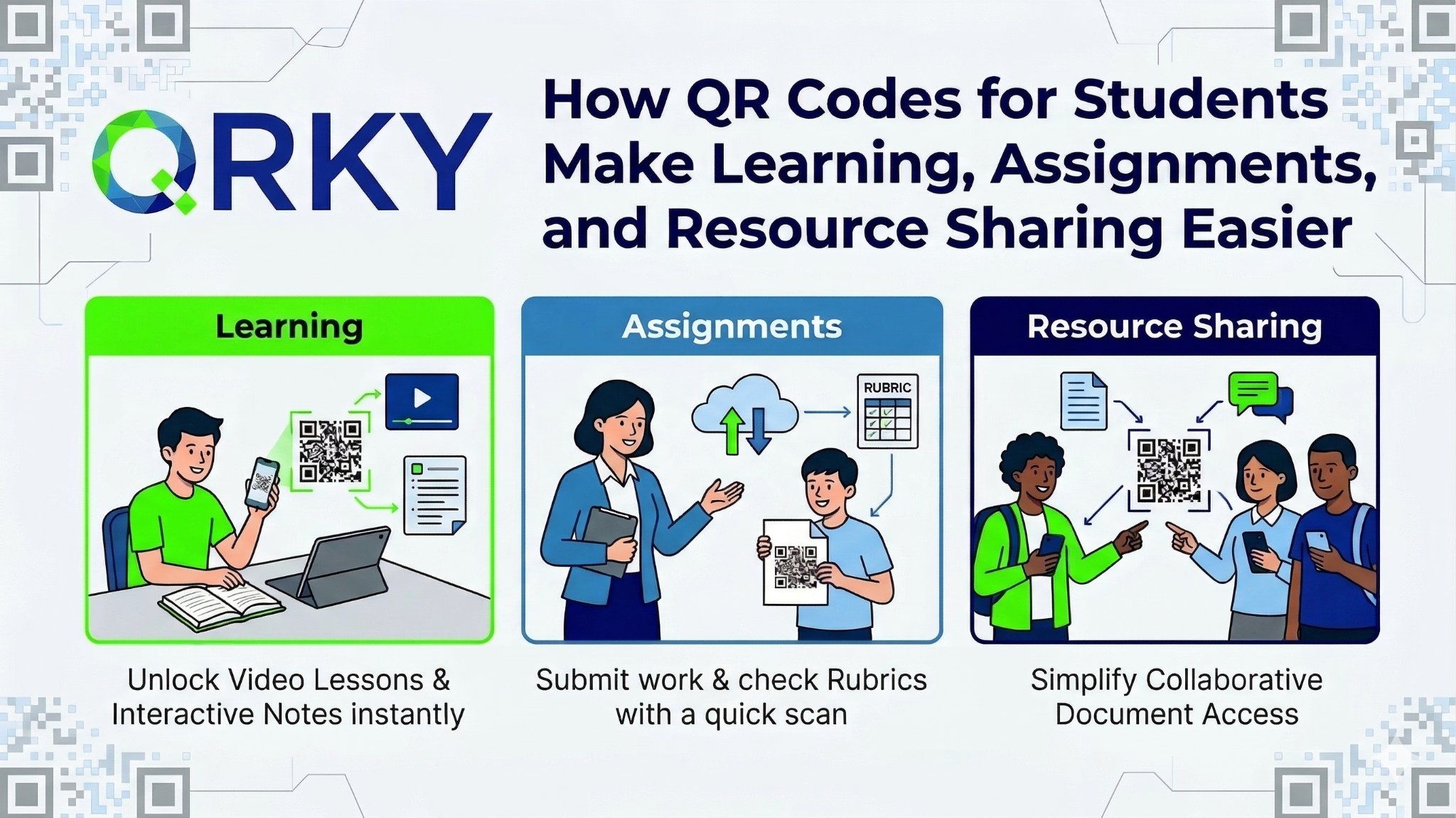
By scanning just once, students have access to notes or videos, presentations, and even entire study folders immediately; no more searching, no confusion. A simple, organized access to everything you need.
Why Students are Turning to QR Codes
Consider how you are currently sharing the study materials.
You might:
- Share multiple links in a chat group
- Add files to Google Drive
- Send documents to your classmates
Imagine the possibility of replacing it all with a single QR code.
A QR code for downloading study material allows you to:
- Multiple resources can be shared in one scan
- Make sure everything is organized
- Facilitate access and make it more convenient
Instead of having to scroll forever through chat rooms, your friends can scan and get access to the information they require instantly.
How QR Codes Simplify Learning
Learning is more efficient when the information is simple to find.
Utilizing a QR codefor your pupils, you can link digital and physical learning in an incredibly seamless manner.
1. Instant Access to Notes and Resources
You can link QR codes to:
- Lecture notes
- PDFs
- Google Drive folders
- Research papers
This allows you to revisit material at any time.
2. Better Group Collaboration
Group projects usually have multiple contributors and files.
Instead of sharing the links over and over, just one QR code to download study material could allow your entire team the ability to access:
- Sharing folders
- Presentation drafts
- Research data
Everyone is on the same page, literally.
3. Cleaner and Smarter Assignments
Assignments can look messy when they’re filled with references and links.
By incorporating a QR code, you can:
- Keep your document clean
- Offer additional sources without crowding content
- Make your work more professional
Professors value clarity, and QR codes allow you to deliver precisely the message you intend to deliver.
Using QR Codes in Presentations
Presentations aren’t just slides anymore. They’re actually experiences.
With a QR code for students, you can:
- Link to video demonstrations
- Share detailed research
- Allow access to data
- Showcase portfolios
Instead of cramming slides with information, the audience has the opportunity to explore more on their own devices.
Creating QR Codes Using Tools You Already Use
Students already have tools such as:
- Canva for posters and presentations
- Figma for UI/UX designs
- Adobe tools to create projects
Imagine the integration of QR codes into these applications.
For example:
- Include a QR code in the Canva presentation
- Incorporate it into an Figma prototype
- Include it on an Adobe-designed poster
It transforms the work and makes it inactive.
By using QRKY, generating the QR code for students will be easy and simple. It does not require any technical expertise.
Step-by-Step: How Students Can Create QR Codes
The process of creating QR codes takes only a few minutes:
Step 1: Choose Your Resource
Choose what you wish to share: videos, notes, or even a folder.
Step 2: Copy the Link
Make sure that the content is available to all.
Step 3: Generate the QR Code
Utilize QRKY to transform your link into a scannable QR code.
Step 4: Download and Add It
Include the QR code on the assignment you are preparing, your presentation, or on a poster.
Step 5: Test Before Sharing
Always check it for errors to ensure that it works correctly.
Making Your Projects Stand Out
Professors look over dozens of assignments.
Most look similar.
When you do use the QR code to download study materials, your work is noticed because:
- It is structured
- It’s interactive
- It is simple to explore
This little addition proves that you go beyond doing the job, you consider your user’s experience.
Turning QR Code Skills into Side Income
Here’s a fact that most students don’t understand.
This ability isn’t only helpful for studying, but it can also aid in earning.
Local shops, businesses, and event planners are seeking:
- QR-based posters
- Digital engagement tools
- Simple methods to be connected offline as well as online
If you can make a QR code for students, you could:
- Design posters using QR integration
- Help businesses track engagement
- Provide freelance services
- Earn side income
QRKY can also help students by offering incentives and other campaigns that help transform their talents into possibilities.
Final Thoughts
A QR code for school children will be much more than a mere tech tool.
It’s a more efficient method of:
- Organize study materials
- Improve presentations
- Simplify collaboration
- Utilize resources to share effectively
If used properly, it could allow side income and freelance work.
With the help of QRKY, students can make QR codes to download study materials in order to change the way they learn, share, and showcase what they’ve learned.
Sometimes the most basic tools have the greatest impact.
In this instance, it begins with one scan.
FAQs:
1. How does a QR code for students make learning easier?
A QR code for students simplifies learning by providing instant access to notes, videos, and study materials through a single scan. With QRKY, students can organize multiple resources into one code, making it easier to revise, share, and access information anytime without searching through multiple links.
2. How can students use a QR code for download study material effectively?
Students can use a QR code for download study material to link directly to Google Drive folders, PDFs, or lecture recordings. Using QRKY, they can create one scannable code that gives classmates quick access to all resources, improving collaboration and reducing confusion in group studies.
3. Why should students use QRKY instead of basic QR code tools?
QRKY allows students to go beyond basic QR codes by embedding them into presentations, posters, and assignments. This makes projects more interactive and professional. It also helps students understand real-world applications of a QR code for students in marketing, design, and communication.
4. Can QR codes help students improve their assignments and presentations?
Yes, adding a QR code for students in assignments allows them to share additional resources without cluttering their work. Using QRKY, students can link videos, research papers, or portfolios, making their presentations more engaging, organized, and easier for professors to explore.
5. Can students use QR codes to build skills or earn opportunities?
Absolutely. By using a QR code for downloading study material and learning QRKY tools, students can build practical digital skills. They can also help peers, college clubs, or local businesses, opening up opportunities for freelance work, incentives, or participation in QRKY’s student programs.