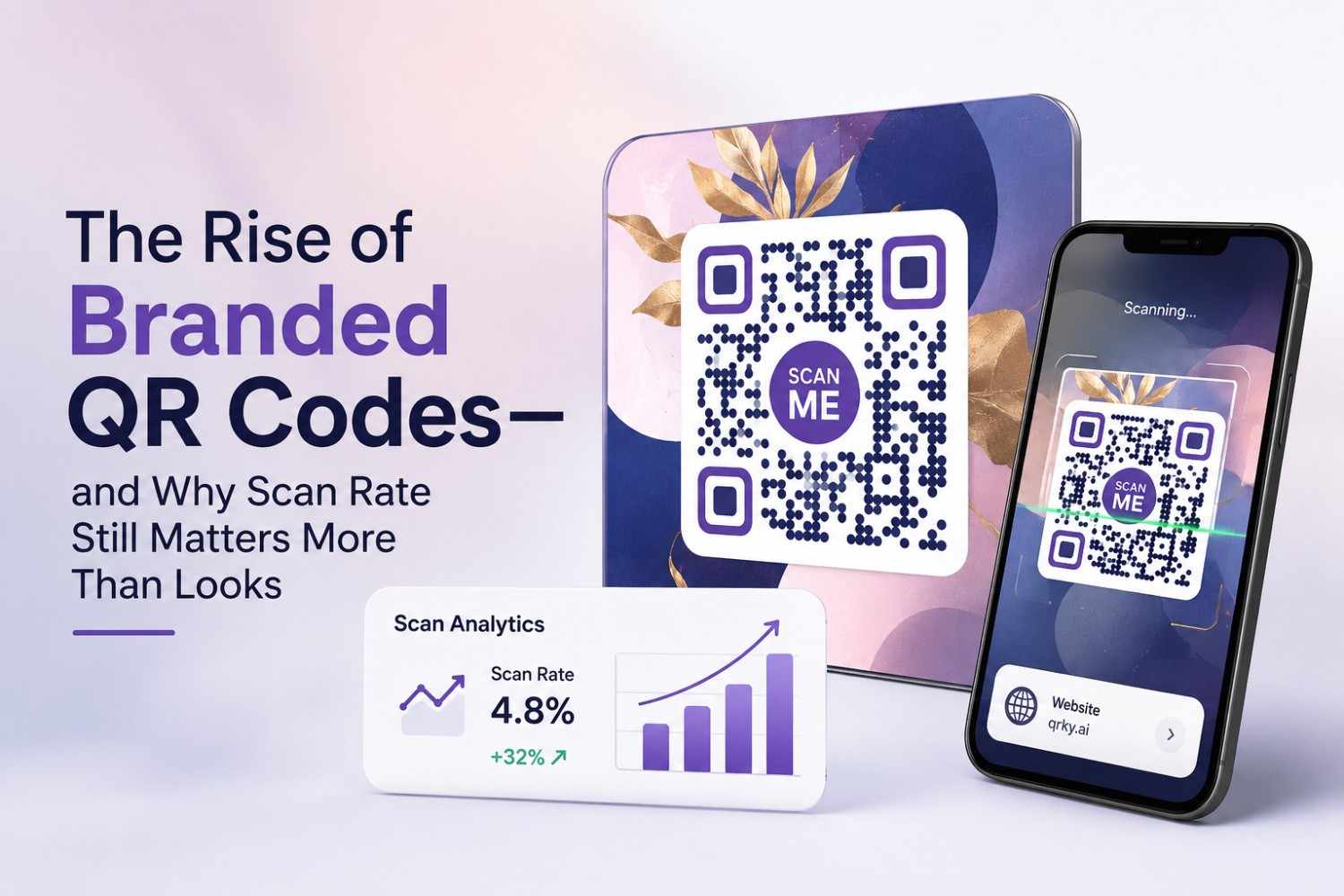
QR codes have come a long way from the plain black-and-white squares we got used to during the pandemic. Today, brands are dressing them up with logos, custom colors, and even photorealistic imagery. They show up on product packaging, storefront windows, restaurant tables, and marketing collateral of every kind.
This shift toward “branded” QR codes makes sense. A code that matches your brand identity feels more trustworthy and more intentional than a generic one. But there’s a catch that a lot of businesses overlook in the rush to make their codes look good: a QR code that doesn’t scan reliably is worthless, no matter how polished it looks.
Why Branded QR Codes Are Having a Moment
The surge in branded QR codes isn’t random. A few forces are driving it at once.
Consumers Expect Polish
People are used to clean, well-designed digital experiences. A pixelated, off-brand QR code sitting next to a beautifully designed package or ad can actually undercut the perceived quality of the product itself. Brands have picked up on this and started treating QR codes as a design element, not an afterthought.
QR Codes Are a Marketing Channel Now
QR codes used to be functional add-ons. Now they’re doing real marketing work — driving traffic to landing pages, loyalty programs, product videos, and checkout flows. Once something becomes a marketing touchpoint, it gets the same design attention as everything else in the funnel.
Retail and D2C Adoption Is Accelerating
This is especially visible with a qr code for retail business, where codes appear on shelf tags, packaging inserts, and receipts to drive reviews, repeat purchases, and loyalty sign-ups. Retailers are realizing that a well-placed, well-designed QR code can shorten the gap between a curious shopper and a completed action.
The Problem: Style Without Function
Here’s where things start to go wrong. As businesses lean into custom colors, embedded logos, and creative shapes, scan reliability often takes a back seat. A QR code is, at its core, a data pattern that a camera needs to read accurately. Push the design too far and you introduce real risks.
Low Contrast Kills Scans
Light-colored modules on a light background, or a logo placed where it interferes with the code’s finder patterns, can make a phone camera struggle or fail entirely. This is one of the most common reasons a beautifully designed QR code simply doesn’t work in the real world.
Over-Styling Breaks Error Correction
QR codes have built-in error correction that allows part of the code to be obscured or altered without breaking the scan. But there’s a limit. Add too much custom artwork, and you exceed the tolerance the code was built to handle.
Print Conditions Are Unpredictable
A code that scans perfectly on a laptop screen might fail on glossy packaging, curved surfaces, or under poor lighting at a retail counter. Design testing often happens in ideal conditions, while real-world scanning rarely is.
Why Scan Rate Should Be the First Priority
A QR code exists to do one thing: get someone from a physical touchpoint to a digital destination, quickly and without friction. If that link fails, everything downstream — the offer, the landing page, the sale — never happens.
First Impressions Are Unforgiving
Most people will try scanning a code once, maybe twice, before giving up. A failed scan doesn’t just lose that interaction; it can quietly damage trust in the brand behind it.
Scan Rate Is Measurable ROI
Unlike general brand aesthetics, scan rate is a number you can track. It tells you directly whether your QR code campaign is working, which makes it a far more useful metric than “does it look nice.”
Reliability Builds Repeat Behavior
Customers who have a smooth, fast scanning experience are more likely to scan the next code they see from your brand. Reliability compounds over time in a way that pure visual appeal doesn’t.
Getting Both: Design and Scannability Together
The good news is that branded and scannable are not mutually exclusive. The right approach, and the right tools, let you have both.
Start With a Scannable QR Code Generator
Using a scanable qr code generator that is purpose-built to balance design with function is the simplest way to avoid the common failure points. A good generator manages contrast, keeps finder patterns intact, and applies error correction correctly, even when logos or photorealistic styling are added.
Test Before You Print at Scale
Always test a QR code across multiple devices, lighting conditions, and print materials before committing to a large print run. A five-minute test can save an entire batch of packaging or signage from going to waste.
Keep Placement in Mind
Even a perfectly generated code can fail if it’s placed too small, too close to an edge, or on a surface with glare. Design the surrounding layout with scanning conditions in mind, not just visual balance.
The Bottom Line
Branded QR codes are here to stay, and there’s nothing wrong with wanting a code that reflects your brand’s look and feel. The mistake is treating design as more important than function. A QR code that looks stunning but fails to scan isn’t a design win, it’s a lost customer.
The businesses getting this right are the ones using a scannable QR code generator that treats style and reliability as equally important, not a trade-off. Whether you’re building a qr code for retail business use, packaging, or a marketing campaign, prioritize scan rate first, and let the branding enhance it, not compromise it.
Frequently Asked Questions
1. What makes a QR code “branded”?
A branded QR code includes custom design elements such as brand colors, an embedded logo, or a themed background, while still functioning as a standard scannable code.
2. Does adding a logo to a QR code reduce its scan rate?
It can, if the logo covers too much of the code or interferes with the finder patterns. Using a scannable QR code generator designed to handle logo placement correctly reduces this risk significantly.
3. What’s the ideal size for a QR code on retail packaging?
As a general guideline, a QR code should be at least 1 inch by 1 inch (about 2.5 cm) for close-range scanning, and larger for codes viewed from a distance, such as on posters or storefronts.
4. How can I test if my QR code will scan reliably before printing?
Print a sample on the actual material you plan to use, then test scanning it with several different phone models, in both bright and low light, before committing to a full print run.
5. Why is scan rate more important than design for a qr code for retail business?
Because the entire purpose of the code is to move a customer from a physical product or display to a digital action, like a review, offer, or loyalty sign-up. If the code doesn’t scan, that action never happens, regardless of how good it looks.