Educational institutions are rapidly embracing digital tools to improve the way they manage classrooms, communicate with students, and simplify everyday administrative tasks. From digital learning resources to online attendance systems, schools and colleges are looking for solutions that save time while creating a better experience for both students and staff.
One simple technology making a significant impact is the QR code for student. A single scan can help verify a student’s identity, record attendance, access assignments, or open important academic resources. Instead of juggling multiple systems or paperwork, educators can connect physical materials with digital experiences in seconds.
This guide explores how educational institutions can use QR codes effectively for student IDs, attendance, and assignments while following best practices for security, usability, and long-term management.
Why Educational Institutions Are Adopting QR Codes
The education sector generates an enormous amount of information every day. Attendance records, assignments, notices, library services, and student identification all require efficient management.
QR codes simplify these processes by providing instant access to information without requiring students to type long URLs or download multiple applications.
Whether placed on identity cards, classroom displays, or assignment sheets, a QR code for student helps reduce manual work while improving accessibility.
Creating a Student ID QR Code
Traditional student ID cards primarily display basic information such as the student’s name, photograph, and enrollment number. While useful, they often require administrators to manually verify records.
A student ID QR code transforms an ordinary identity card into a digital access point.
When scanned, it can securely connect to information such as:
- Student profile
- Enrollment details
- Department information
- Library membership
- Hostel records
- Emergency contacts
- Authorized campus access
Instead of carrying multiple documents, students can use a single ID card for various campus services.
Institutions can also integrate branded QR experiences through platforms like QRKY to make identity cards look more professional while maintaining high scan reliability.
Using QR Codes for Attendance
Taking attendance manually consumes valuable teaching time, especially in classrooms with large numbers of students. QR codes provide a faster and more accurate alternative.
At the beginning of each class, teachers can display a unique QR code that students scan using their smartphones. The scan records attendance automatically and stores the data digitally.
This approach offers several advantages:
- Faster attendance recording
- Reduced paperwork
- Lower administrative workload
- Improved record accuracy
- Easier attendance reporting
Dynamic QR codes also allow institutions to update attendance links or systems without replacing printed materials. For colleges managing multiple departments and hundreds of classrooms, this can significantly improve operational efficiency.
Simplifying Assignment Submission
Students often receive assignment instructions through emails, messaging groups, printed handouts, and learning management systems. As information gets distributed across different platforms, important details can easily be overlooked.
A QR code for student makes assignment management much simpler.
Teachers can include QR codes on worksheets, classroom presentations, or notice boards that link directly to:
- Assignment instructions
- Submission portals
- Supporting documents
- Project guidelines
- Evaluation rubrics
- Reference materials
Instead of searching through multiple communication channels, students can access everything they need with a single scan.
If submission deadlines or documents change, dynamic QR codes make updates possible without generating new QR codes.
Improving Campus Administration
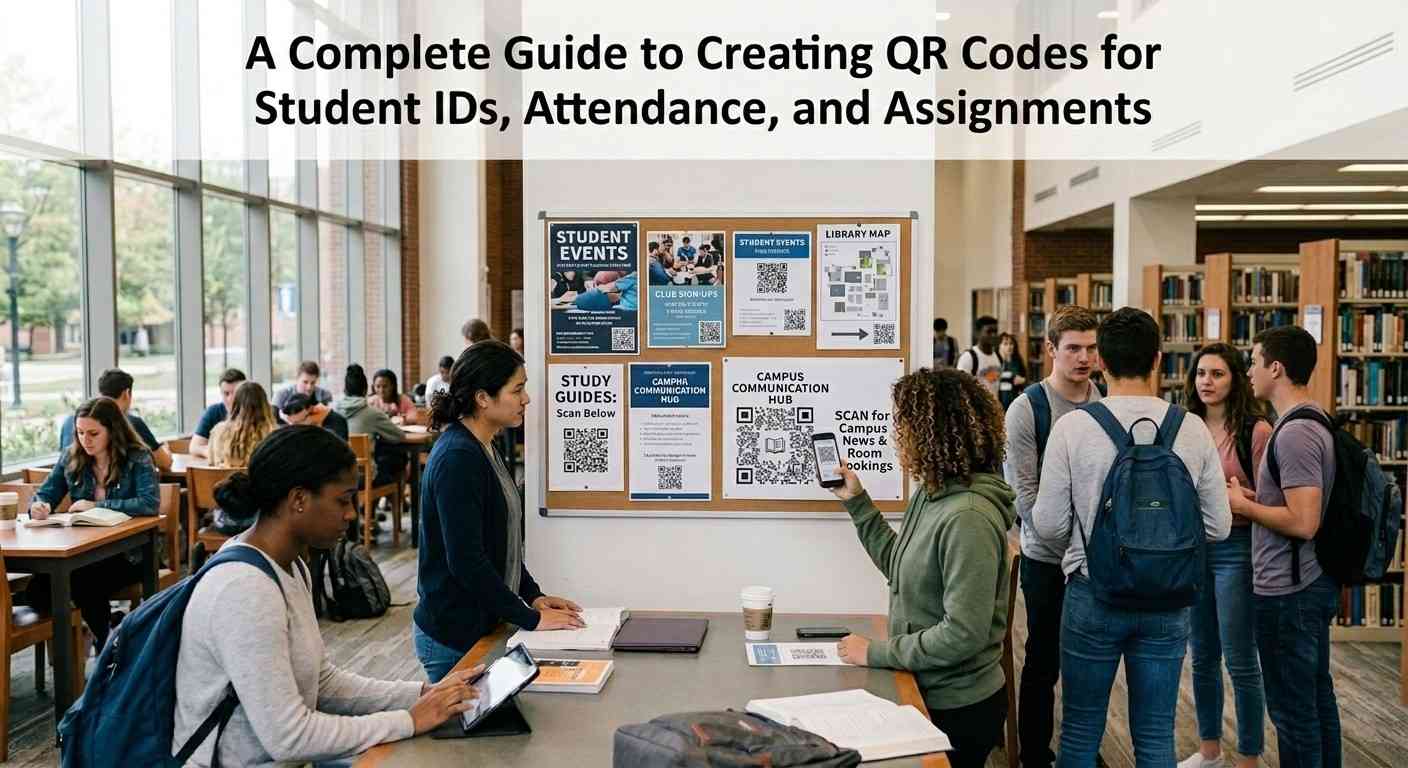
QR codes are useful beyond classrooms. Educational institutions can use them across campus to simplify several administrative processes.
For example, QR codes can provide quick access to:
- Examination schedules
- Academic calendars
- Fee payment portals
- Scholarship information
- Campus maps
- Department directories
- Student support services
Students no longer need to visit multiple offices for basic information, reducing waiting times while improving the overall campus experience.
Best Practices for Creating Student QR Codes
While QR codes are easy to generate, following a few best practices ensures they remain effective over time.
Keep the Destination Mobile Friendly
Since most students scan QR codes using smartphones, the linked content should be optimized for mobile devices.
Pages should load quickly, display correctly on smaller screens, and require minimal navigation.
Use Dynamic QR Codes
Static QR codes cannot be edited after printing.
Dynamic QR codes allow schools to update destinations whenever information changes, making them ideal for assignments, attendance, and academic resources.
Maintain Student Privacy
A student ID QR code should never expose confidential personal information directly.
Instead, it should connect students to secure systems that require appropriate authentication when necessary.
Test Before Printing
Always test QR codes on multiple Android and iOS devices before distributing ID cards, classroom materials, or campus signage.
A properly tested QR code reduces scanning issues and improves the user experience.
Customize Without Affecting Scannability
Many schools now choose branded QR codes instead of plain black-and-white designs.
A customized QR code can match the institution’s visual identity while remaining easy to scan. Solutions such as QRKY also make it possible to create visually engaging QR experiences without compromising functionality.
Conclusion
A QR code for student is helping educational institutions simplify everyday operations while creating a more connected learning environment. From digital identity cards and attendance management to assignment submissions and campus communication, QR codes make accessing information faster and more convenient.
A well-designed student ID QR code can improve administrative efficiency, reduce paperwork, and support a smoother student journey throughout the academic year. By choosing a platform that offers dynamic updates, customization, and analytics, schools can build a future-ready digital ecosystem that benefits students, educators, and administrators alike.
Frequently Asked Questions
1. What is a QR Code for Student?
A QR code for student is a scannable code that gives students quick access to educational resources, attendance systems, assignments, campus services, and other academic information.
2. What is a Student ID QR Code?
A student ID QR code is a QR code printed on a student’s identity card that securely links to digital records such as student profiles, library access, or campus services.
3. Can QR codes be used for attendance?
Yes. Schools and colleges can use QR codes to record attendance digitally, making the process faster, more accurate, and easier to manage.
4. Are dynamic QR codes better than static QR codes?
Yes. Dynamic QR codes allow educational institutions to update linked content without replacing printed QR codes, making them ideal for assignments, attendance, and academic resources.
5. How can QRKY help educational institutions?
QRKY enables schools and colleges to create branded, dynamic QR experiences with analytics and customization, helping institutions improve student engagement while maintaining a professional digital identity.