
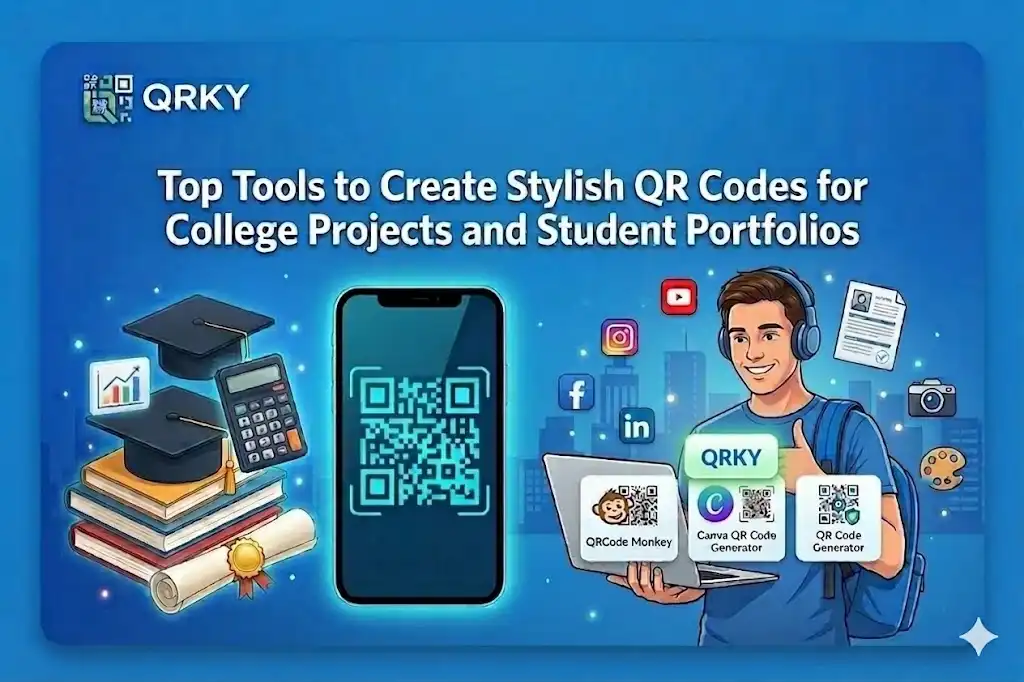
Today, academic projects are not just confined to printed reports and presentations. Students are using digital platforms to present their work through digital portfolios, project presentations, research repositories, and interactive presentations.
One tool that can prove to be quite handy is a QR code.
Students can add a QR code to their reports, posters, and digital portfolios, instantly connecting their audience to more content related to their project, project videos, design portfolios, and research materials.
This is why students are using a stylish QR code generator to make their work more interactive, organized, and professional. Let’s explore some of the best tools that can help students create stylish QR codes for their academic work.
Why Do Students Need Stylish QR Codes for Their Work?
Functionality is one thing, but presentation is another. While a plain black and white QR code is enough, it is always desirable to have a stylish QR code.
Students can add QR codes to their work in various forms, and it can prove to be quite handy.
Students can add QR codes to:
- Project documents
- Research posters
- Event posters
- Design portfolios
- Technical presentations
When students add QR codes to their work, it should look as professional as possible. This is where a stylish QR code generator comes into the picture.
What to Look for in a QR Code Generator
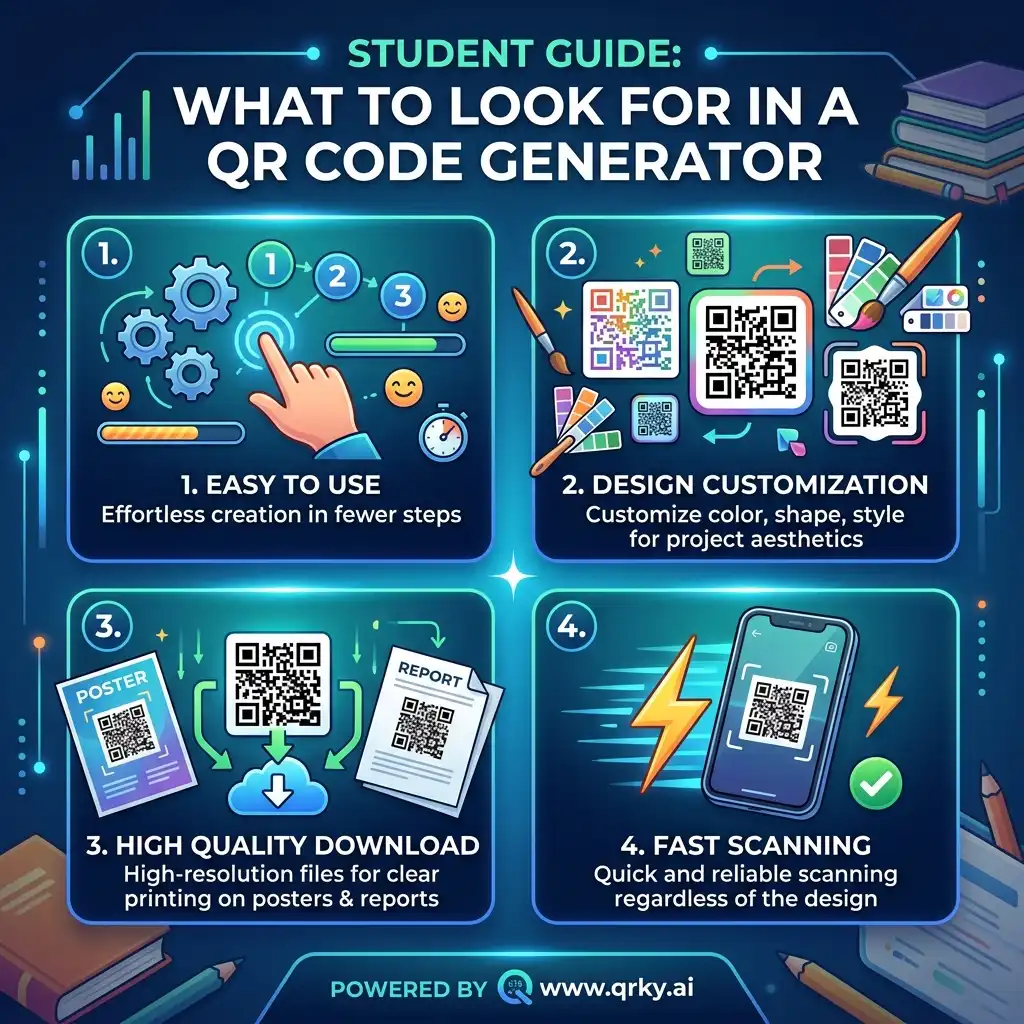
Before students look for a tool to create QR codes, they should look for a few important features.
Easy to Use
The tool for students should enable you to create a QR code in an effortless manner without many steps involved.
Design Customization
The tool for students should enable you to customize the design of the QR code, such as color, shape, or style, to match the look of your project.
High Quality Download
The tool for students should enable you to download high-quality QR codes to avoid any issues while printing them on posters or reports.
Fast Scanning
Regardless of the design, the QR code must be able to scan correctly.
Top Tools to Create Stylish QR Codes
Here are some of the most popular tools for students to create QR codes for their academic assignments.
1. QRKY
This tool for students is designed to help you create QR codes in an effortless manner. It is a modern tool for creating QR codes, ensuring the process is quick, effortless, and stylish.
Students can use this tool to create QR codes for their academic assignments, such as presentations, portfolios, or events, without much technical expertise involved.
The advantages of using this tool for students are:
- The designs of the QR codes are clean and stylish.
- The process of creating the QR code is effortless.
- The tool has good scanning performance.
- The tool can be used for academic assignments, especially for creative works.
Regardless of whether you are creating a QR code for a video presentation, portfolio, or project, this tool for students is an efficient tool for creating QR codes for academic assignments.
2. QRCode Monkey
This tool for students is popular for its customization option, allowing students to use different shapes, colors, and patterns to create stylish QR codes.
The tool can be used for academic assignments, especially for assignments involving designs, such as posters, infographics, or brochures, where the design of the QR code is important.
Students must, however, ensure the QR code can still be scanned correctly despite the customization.
3. Canva QR Code Generator
Students already using Canva to create posters and presentations often find it handy to have a QR code generator built into the program.
It also enables the user to instantly generate a QR code and insert it into their design layout.
This is a very useful tool for creating QR codes for college event poster promotions.
4. QR Code Generator
This is one of the easiest QR code generators available.
This is a good tool for students who want to design QR codes without many design features.
This is good for creating QR codes for presentations and reports, where functionality is more important than design.
Where Students Commonly Use QR Codes
After creating the QR codes, they can be used for many different things.
Research Posters
Students giving research presentations can use QR codes to link to longer research papers, data sets, and other relevant material.
College Event Promotions
Using a QR code for college event poster design creations can help connect other college students directly to college event registration pages. This makes it more accessible for other college students to participate.
Student Portfolios
Students who are artists, photographers, architects, and those working in the media can also use QR codes to connect their printed portfolios to their websites.
Presentations
Using QR codes for presentations can help other students and teachers connect to other resources such as research papers, code repositories, and more.
Tips for Designing Effective QR Codes
While it is nice to make the QR code look stylish and attractive, it is also important that it functions properly.
To achieve this, follow these guidelines:
Maintain Good Contrast
For better results, dark QR codes on light backgrounds are recommended.
Avoid Over-Designing
Excessive design may interfere with the QR code’s ability to scan.
Keep Enough Space Around the Code
To scan the QR code properly, there needs to be space between it and other objects.
Test Before Publishing
To ensure that your QR code works correctly, scan it using your phone.
Final Thoughts
QR codes are becoming more popular among students who want to showcase their work more professionally. Using a QR code generator for students helps to make academic work look more organized and also accessible.
Using a stylish QR code generator for academic work can help transform your documents into something more interesting.
Ready to Make Your Projects More Interactive?
If you want your projects, presentations, or even your poster to stand out, start using QR codes for your academic work.
Using QR codes for your academic work is possible with QR KY, and with our stylish QR code generator, your academic work is about to look more interesting.
Create stylish and high-quality QR codes using QR KY and add them to your student portfolio, project report, and even QR codes for college event poster designs.
Try using QR KY today and make your academic work more interesting with just one scan.
FAQs:
1. Why should students use QRKY’s stylish QR code generator for academic projects?
QRKY’s stylish QR code generator helps students create visually appealing QR codes that match the design of their presentations, posters, or portfolios. As a reliable QR code generator for students, QRKY ensures projects look professional while allowing viewers to quickly access videos, documents, and additional resources.
2. Which tools are best for creating stylish QR codes for student portfolios and projects?
Several tools can help students create customized QR codes, including QRKY, QRCode Monkey, Canva QR Code Generator, and QR Code Generator. Among them, QRKY’s stylish QR code generator is designed to help students quickly generate high-quality QR codes for presentations, portfolios, and research projects.
3. How can students use QRKY to add QR codes to college event posters?
Students can use QRKY’s QR code generator for students to create a QR code for college event poster designs that link directly to registration forms, event pages, or social media announcements. This allows other students to scan the code and instantly access important event information.
4. Where should students place QR codes in their academic work when using QRKY?
QR codes created with QRKY’s QR code generator for students can be placed in project reports, research posters, digital portfolios, and presentation slides. Using QRKY’s stylish QR code generator ensures the code looks visually appealing while remaining easy for professors and classmates to scan.
5. What should students consider when designing QR codes for projects with QRKY?
When using QRKY’s stylish QR code generator, students should maintain good contrast, avoid excessive design elements, and leave enough space around the QR code. QRKY also allows high-quality downloads so the QR codes remain clear and easily scannable when printed on posters or reports.