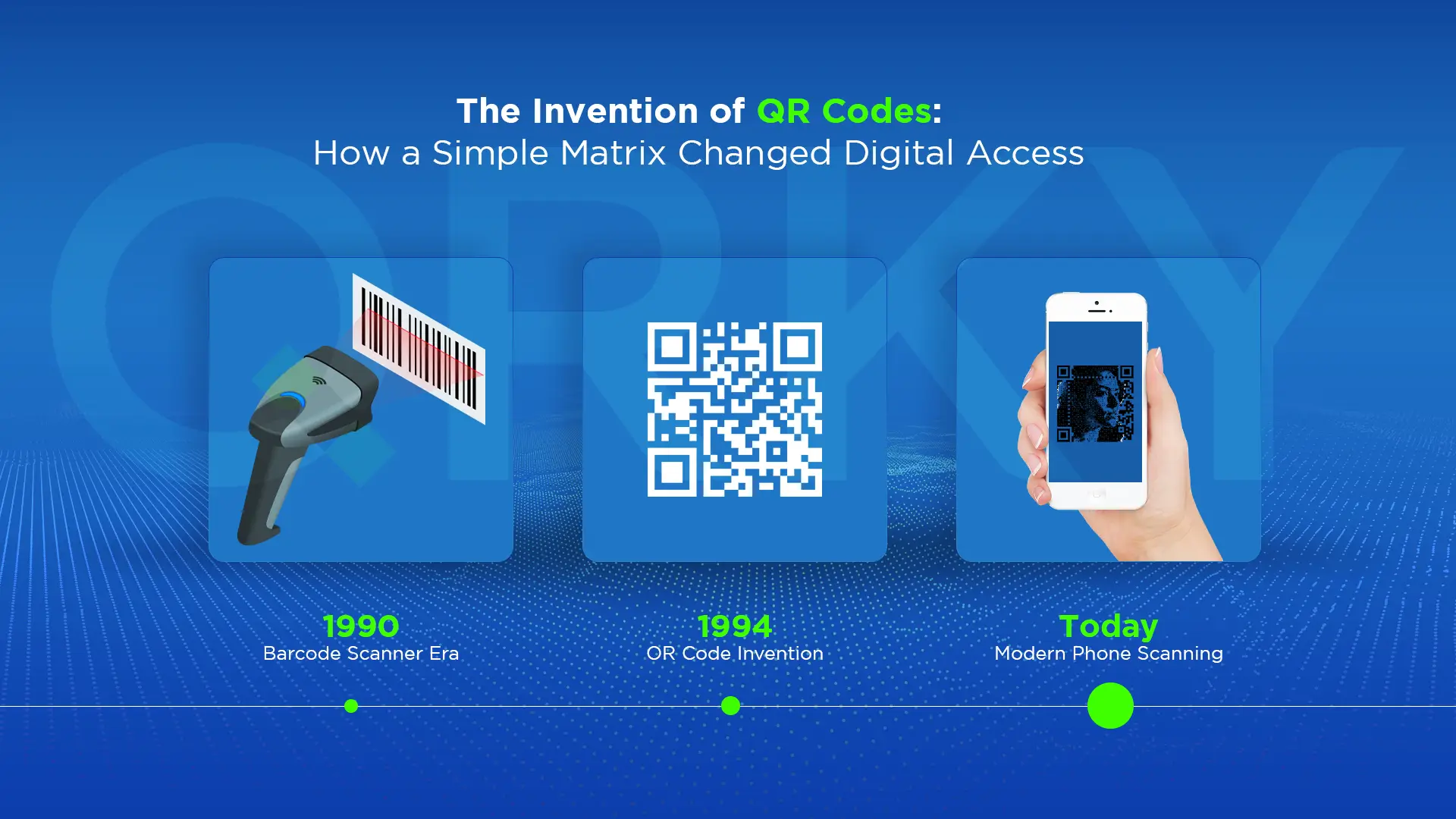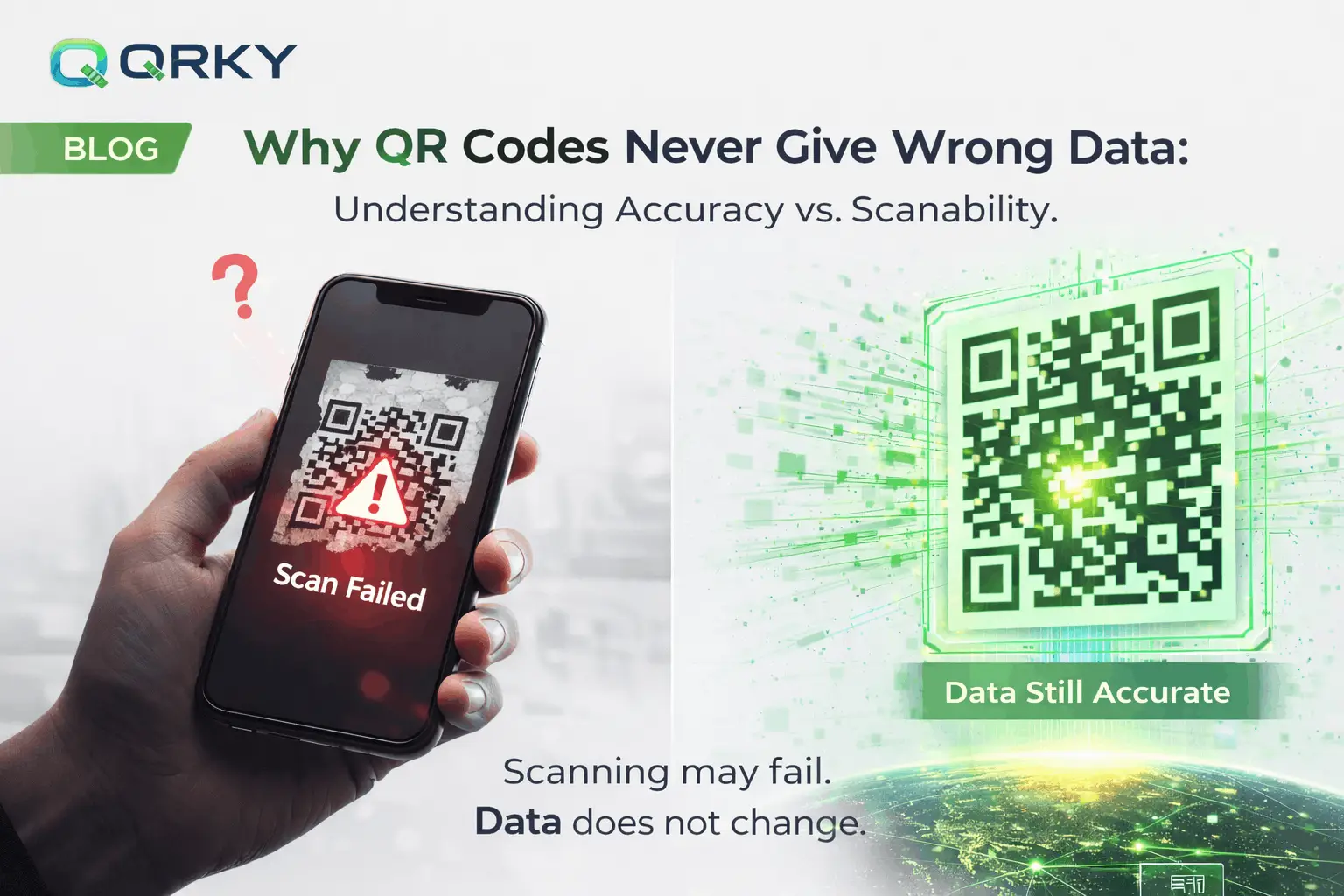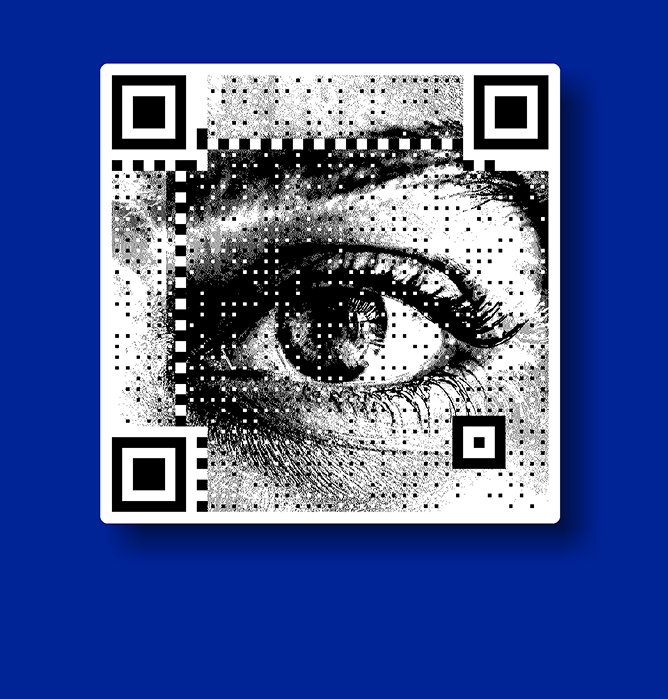

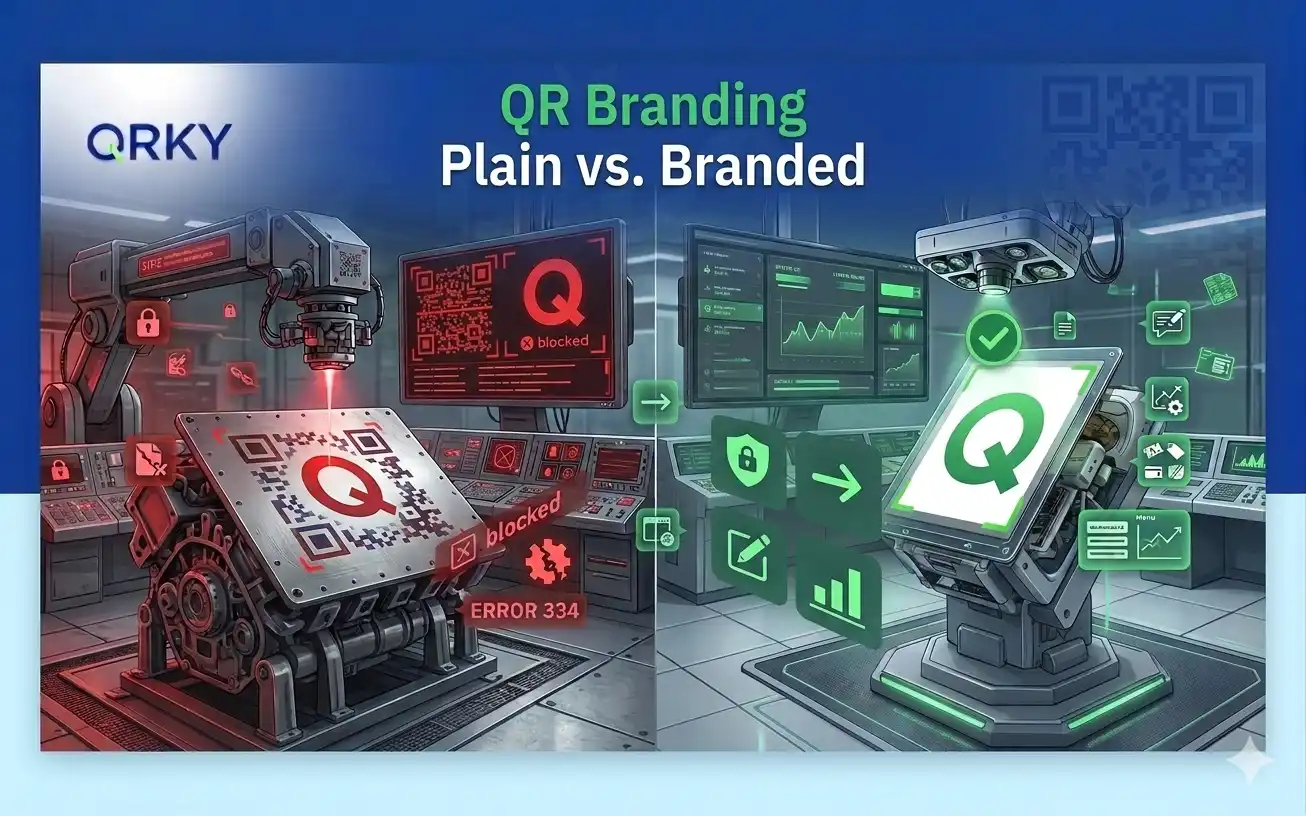
QR codes are no longer just black-and-white boxes. Today, brands use them as design elements, campaign tools, and customer entry points.
But many businesses make one critical mistake. They focus on how the QR code looks rather than how well it scans.
A branded QR code should do both. It must represent your brand and work flawlessly on every device.
Here’s how to create one that looks great and scans perfectly.
Why Branded QR Codes Matter Today
A plain QR code works. But a branded QR code performs.
When a QR code with a logo includes your brand colours or visual style, people trust it more. It looks intentional. It feels safer to scan.
That’s why brands now use QR codes on:
- Packaging
- Store displays
- Print ads
- Product labels
- Event materials
A well-designed code blends into your brand identity while still doing its job. But design should never break functionality.
The Rule Most Designers Miss
A QR code is not just an image. It’s a data structure.
When you change the design, you are modifying a system that must still be readable by cameras and scanners.
This means:
- Contrast matters more than color choice
- Size matters more than visual style
- Structure matters more than decoration
The goal is simple: Make it beautiful, but keep it scannable.
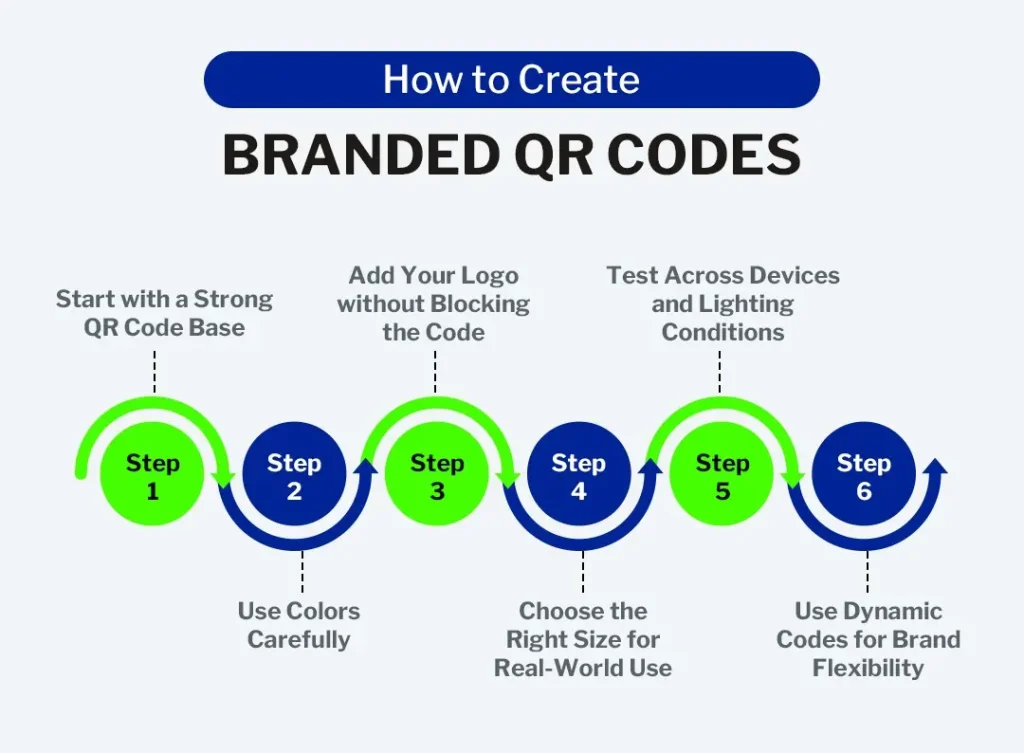
Step 1: Start with a Strong QR Code Base
Before adding logos or colors, generate a high-quality QR code.
Use a reliable generator that creates clean modules and strong error correction.
A weak base code will fail no matter how good the design looks.
Always choose:
- High resolution output
- Dynamic QR codes when possible
- Built-in error correction
This gives you room to customize safely.
Step 2: Use Colors Carefully
Color improves brand alignment, but contrast determines scan success.
The rule is simple:
Dark foreground + light background = best performance
Avoid:
- Light colors on white
- Metallic gradients
- Transparent backgrounds
- Busy patterns behind the code
If someone must struggle to see the squares, the camera will struggle too.
Good branded codes look styled but remain visually clear.
Step 3: Add Your Logo without Blocking the Code
Creating a QR code with logo by placing a logo in the center of the QR code is a popular branding approach. But it must be done correctly.
A logo should:
- Stay small and centered
- Never cover finder patterns (the corner squares)
- Sit within the error correction tolerance
Most modern QR codes allow logos because they include redundancy. But if the logo is too large, the code becomes unreadable.
The logo should enhance recognition, not interrupt the structure.
Step 4: Choose the Right Size for Real-World Use
Designers often test QR codes on their own screens. That’s not enough.
You must test them in real environments.
A QR code on packaging needs to be larger than one on a business card. A code on a billboard must be readable from a distance.
As a rule:
- Print codes should be at least 2–3 cm wide
- Outdoor or distant scans need larger sizes
- Small codes must have a very high contrast
If users need to zoom in to scan, the design has failed.
Step 5: Test Across Devices and Lighting Conditions
A QR code must work everywhere, not just in ideal conditions.
Test your branded code on:
- Android phones
- iPhones
- Older devices
- Low-light environments
- Bright reflections
- Different scanning apps
If it scans instantly in all scenarios, it’s ready. If not, adjust the design before publishing.
A beautiful QR code that doesn’t scan damages brand trust.
Step 6: Use Dynamic Codes for Brand Flexibility
Dynamic QR codes are better for branded campaigns.
They allow you to:
- Change the destination later
- Track scans and engagement
- Update campaigns without reprinting
- Personalize experiences
This turns your QR code into a long-term brand asset rather than a one-time link.
What Great Branded QR Codes Achieve
When done right, a QR code with logo can::
- Looks like part of your brand system
- Encourages people to scan confidently
- Works instantly on any device
- Supports campaign tracking and insights
It becomes both a design element and a business tool. That’s the real power of customization done correctly.
Build Smarter Branded QR Experiences with QRKY
Creating branded QR codes is easy.
Creating ones that scan perfectly across devices requires intelligent design and reliable technology.
QRKY helps brands generate QR codes that balance visual identity with structural precision.
From logo integration to scan optimization and analytics, it ensures your codes don’t just look good; they perform.
If your QR codes represent your brand, they should work like your best digital asset.
Start building branded QR experiences that scan flawlessly with QRKY.
FAQs
1. What are branded QR codes?
Branded QR codes are customized QR codes that include visual elements such as brand colors, logos, or design styles. When created properly, they maintain the QR code’s scanning structure while aligning with a company’s brand identity and marketing materials.
2. Can adding a logo affect QR code scan accuracy?
Yes, adding a logo can affect scan accuracy if it covers important parts of the QR code. The logo should remain small and centered, avoiding the corner finder patterns so scanners can still detect and decode the code reliably.
3. What colors work best for branded QR codes?
The best-performing QR codes use strong contrast, typically a dark foreground on a light background. Low-contrast combinations, gradients, or busy backgrounds should be avoided because they can make it harder for cameras to detect the QR pattern.
4. Why should businesses use dynamic QR codes for branded campaigns?
Dynamic QR codes allow businesses to update the destination link, track scans, and adjust campaigns without reprinting the code. This flexibility makes them ideal for marketing, packaging, and event promotions where content may change over time.
5. How can businesses ensure their branded QR codes scan across all devices?
Businesses should test QR codes across multiple smartphones, scanning apps, and lighting conditions. Platforms like QRKY help generate branded QR codes that maintain structural integrity while supporting reliable scanning and performance tracking.